

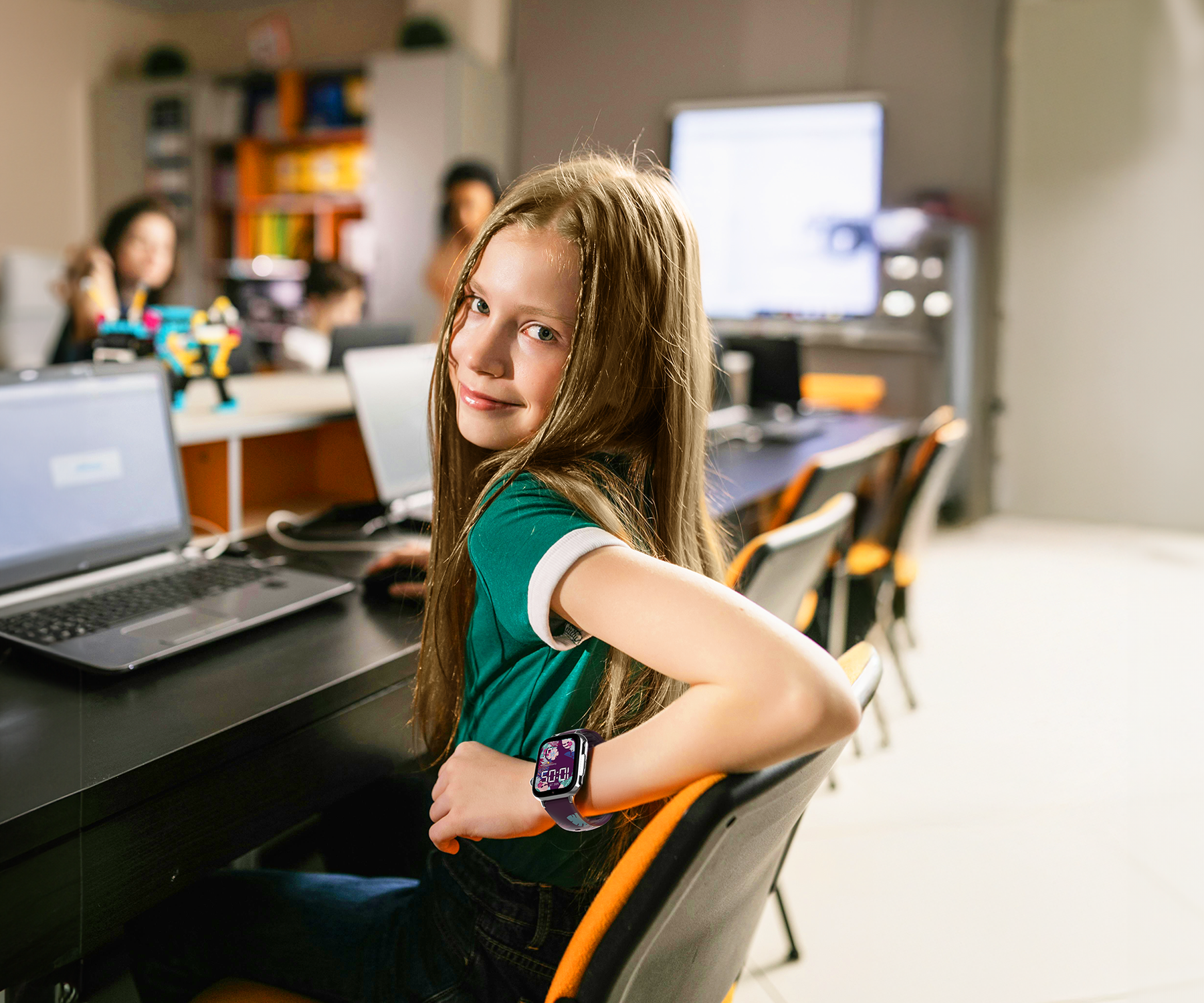
Are smartwatches for children allowed at school?
More and more parents are wondering whether it is legal, or advisable, for their children to wear a smartwatch to school. Is it allowed? Is it treated like a mobile phone? Can teachers ban it? And above all: what if I just want to know where my child is and be alerted if they need me?
In this article we explain what Spanish regulations say about the use of electronic devices in schools, how the autonomous communities are regulating it, and why a children's GPS watch like the SaveWatch Plus 2 can be a safe alternative that is compatible with school life.
What do Spanish regulations say about mobile phones and smartwatches at school?
In Spain there is no single national law that expressly bans or permits mobile phones or smartwatches in schools. Each autonomous community and each school is free to regulate the matter within its own code of conduct. Our neighbouring country Portugal is already taking measures on this.
Even so, the general trend is clear: to ban or limit the use of personal electronic devices during school hours, especially in primary and early-years education.
Some communities already have specific regulations:
-
Madrid: mobile phones banned throughout the school day (including break time), except for authorised educational purposes.
-
Cantabria, the Valencian Community, Castilla-La Mancha and Galicia have issued resolutions recommending that the use of these devices, including smartwatches, be limited or eliminated.
Does this mean that no child can take a GPS watch to school?
Not necessarily. This is where the key difference comes in:
A mobile phone is an open communication tool with access to social media.
A children's GPS watch like the SaveWatch Plus 2 is designed specifically for safety and parental control.
Many schools allow children to wear location devices or ones with an SOS button, provided that they:
-
Do not cause distractions
-
Cannot receive calls or messages during lessons
-
Have no access to the internet, social media or games
-
Are managed by the parents (not by the child)
What is “class mode”? The key to letting your child wear their watch without any problems
Class mode is a feature that automatically blocks calls, video calls, messages, games and alerts during school hours, while still allowing the child to see the time and record their location. Parents have complete control from the app, adding whatever time slots they see fit, and it can also be activated during after-school activities.
This means that:
-
It does not distract in class
-
It complies with the school's rules
-
It continues to protect the child, with the SOS button active
-
Parents can stay in control from the app
How do you activate class mode?
Why is the SaveWatch Plus 2 a safe alternative that is compatible with school?
The SaveWatch Plus 2 is one of the most advanced and secure children's GPS watches on the market. Unlike a mobile phone, it has been designed from the ground up for children and for parents' peace of mind.
It includes:
-
GPS and safe zones
-
Calls and video calls only with authorised contacts
-
SOS button with sequential calling to three contacts
-
No social media
-
Fully customisable class mode
-
Parental control from the app
-
Optional secure WhatsApp (only if the parents enable it)
-
Compatible with school rules when set up correctly
What can you do if the school has doubts?
-
Explain that it is not a mobile phone, but a watch with parental control and limited functions
-
Show that you can activate class mode
-
Set up the device so that it does not receive calls or messages during lessons
-
Reassure the school's management: the device does not allow games, social media or unauthorised recordings
Frequently asked questions on this topic
Is it allowed to take a smartwatch to school?
It depends on the school. Many allow it as long as it is not used in class and has no distracting functions.
Can a SaveFamily watch be used during school hours?
Yes, if it is set to class mode (inactive). It causes no interruptions and still provides safety.
Does it have access to the internet or social media?
No. SaveFamily watches do not allow TikTok, Instagram or YouTube.
What happens if the child tries to use it during class?
With class mode activated, they will not be able to make calls, play games or send messages.
How is class mode activated?
From the SaveFamily app on the parent's phone.