

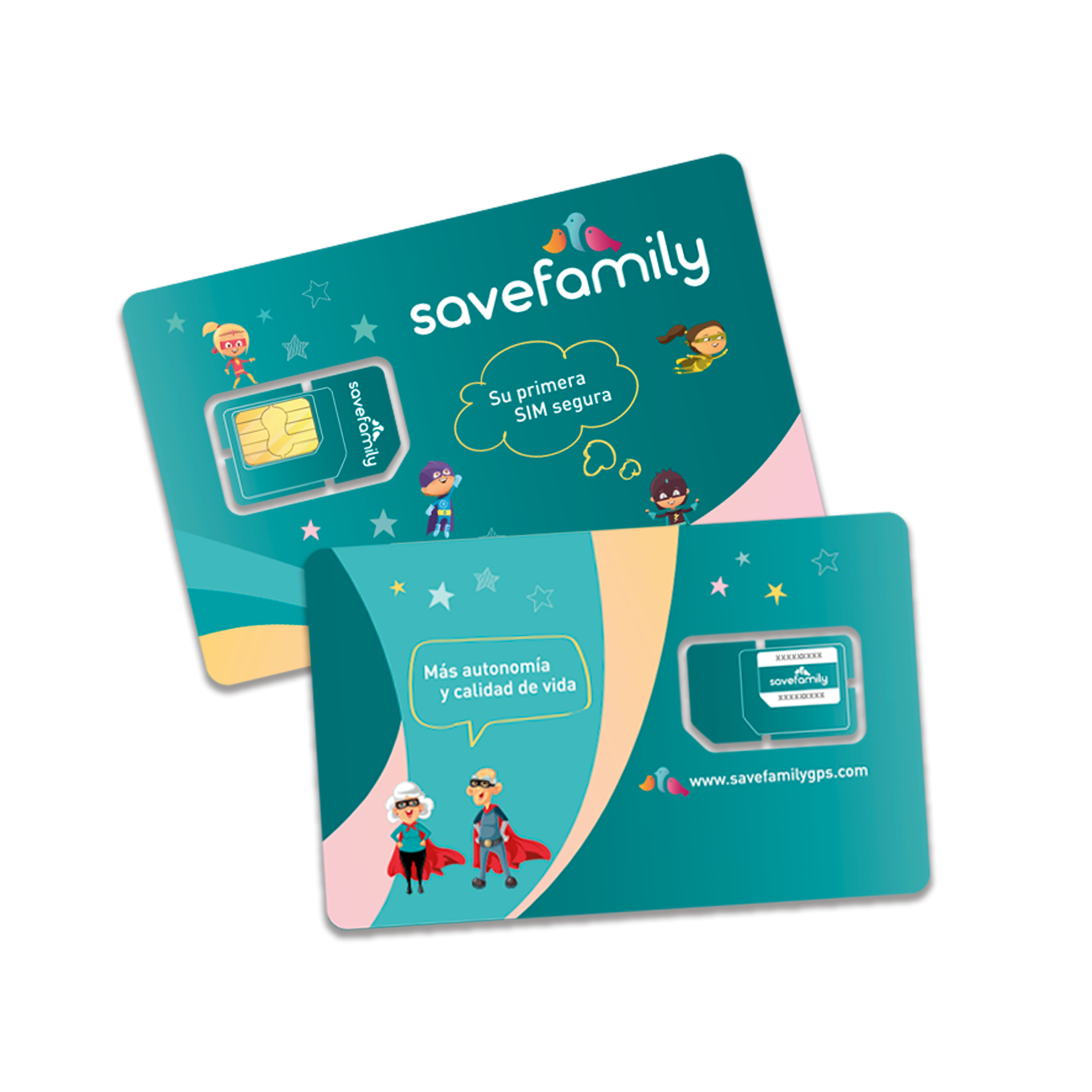

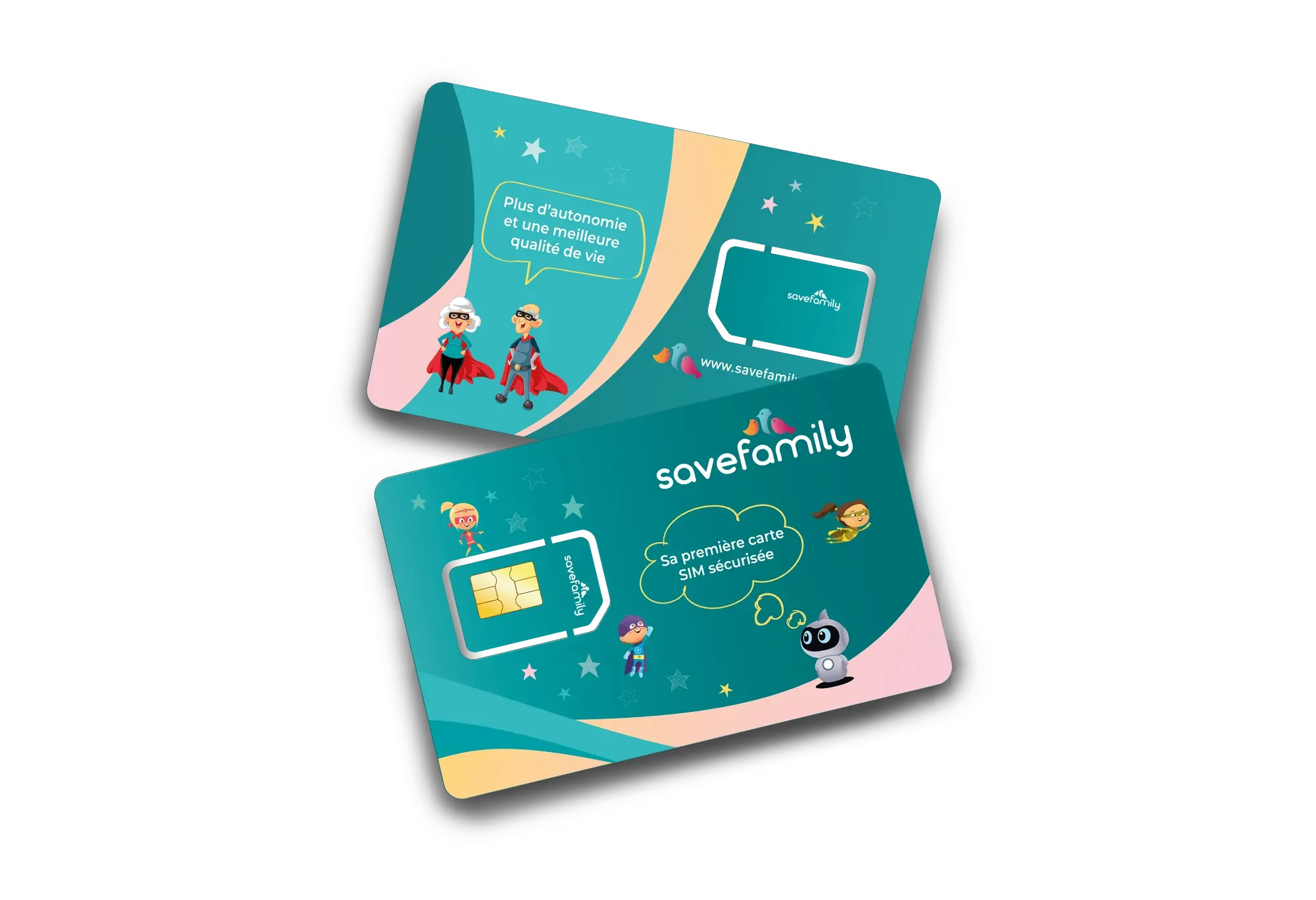

SaveFamily SIM Card
Insert the SaveFamily SIM into the watch and start enjoying!
- Unlimited calls and data.
- Smart Multi-Coverage.
- Roaming in the EU (Zone 1).
- Parental Control included.
- 20% more battery life.
- No permanence.
Join our platform for free and meet your new community.
- Exclusive Content.
- Discounts for brands.
- Monthly drawings.
- Consultations with experts.
- Community of families.
Free shipping
Easy returns within 30 days
Technical and after-sales service
Choose options
Activate your SaveFamily Plan in 3 simple steps

You'll receive your
SIM card

Insert it into your
SaveFamily watch

Turn it on
and... done!
Frequently asked questions
FUNCIONAMIENTO GENERAL
Yes. The watch needs a SIM card with mobile data in order to make calls, send messages, transmit the GPS location and connect to the SaveFamily app.
Includes optimised mobile connectivity for children's watches: data, calls and the services needed for GPS, messages and notifications to work correctly from the app.
No. The SIM is designed exclusively to work in SaveFamily watches and is not compatible with mobiles or other devices.
Our specialised technical support team is available to help you. You can contact us and we'll guide you step by step to resolve any issue.
CONFIGURACIÓN
Setting it up is simple:
- Insert the SIM into the watch.
- Turn on the device.
- Follow the setup steps in the SaveFamily app.
- The watch will connect to the network automatically.
No. The SaveFamily SIM is ready to configure itself automatically on compatible watches, with no need for manual settings.
CONECTIVIDAD Y RED
The SaveFamily SIM card works in all European Union countries (Zone 1).
Within these zones, the watch can make calls, use mobile data and transmit the GPS location with no additional roaming charges.
For use in countries outside these zones, the SIM is not enabled, thereby ensuring controlled use and avoiding unexpected charges.
Disconnections may be due to:
- Areas with poor coverage.
- A temporary lack of data signal.
- Incomplete setup after activation
In most cases, restarting the watch or checking the settings solves the problem quickly.
If the watch loses coverage momentarily:
- Check that it is in an area with mobile signal.
- Restart the watch.
- Verify that the SIM is correctly activated.
If the problem persists, our support team can help you check it step by step.
Data use, calls and real-time location can affect battery consumption. Adjusting the GPS update frequency from the app helps optimise battery life.
LOCALIZACIÓN / GPS
GPS works via satellite, but the SIM is needed to transmit the location through the app.
In areas with poor coverage or indoors, accuracy may be temporarily affected, which is normal for this type of device.
For better quality:
- Make sure the watch has good coverage.
- Avoid calls in enclosed areas or where the signal is weak.
- Adjust the volume correctly on the device.