

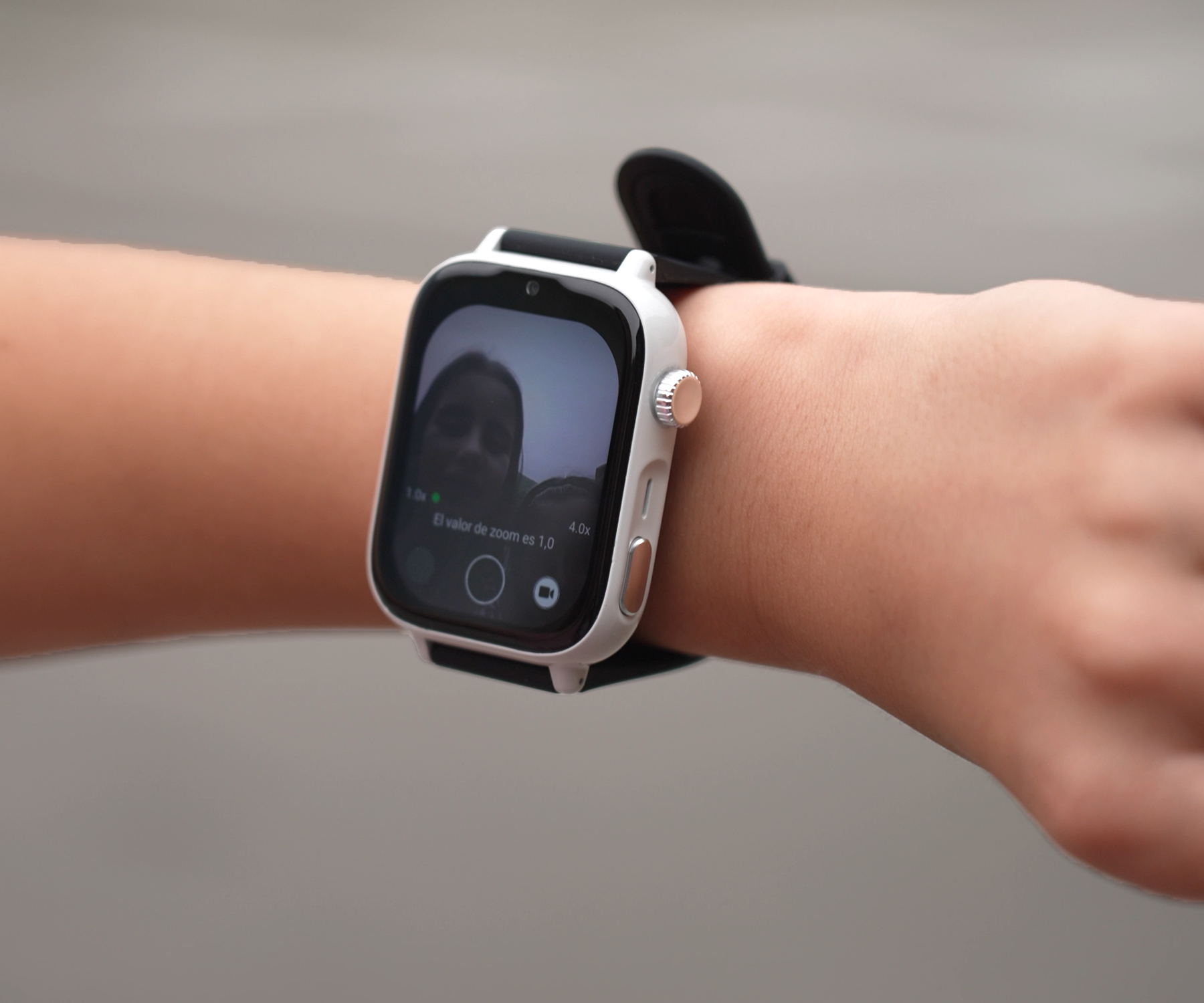
Can a stranger contact my child through the watch?
One of the most common concerns among parents considering a children's GPS watch is: can a stranger call or contact my child through the watch? In this article we'll look at how call control works on the SaveWatch Plus 2, what protections it has, what possible failures could occur and how to set it up for greater safety.
The SaveWatch Plus 2 is a children's smartwatch offering precise geolocation, calls and video calls, health sensors, a camera and advanced parental control features.
What the SaveWatch Plus 2 spec sheet says
To understand the protections, it's worth first reviewing its capabilities:
-
The watch allows calls and video calls, chat communication, and combined location via GPS + WiFi + LBS.
-
Its list of features includes “Anti-Spam Blocking”: automatic blocking of unauthorised or inappropriate numbers.
-
The parental control functionality is included as part of the SaveFamily Plan.
-
The FAQ section of the spec sheet mentions:
“Who can contact my child through the watch? Only the contacts added to their address book through the SaveFamily app…”
-
It also specifies that the watch requires a SIM for the calls and data service.
These features show that the system is designed to limit communications to authorised contacts only.
How call control works (and why a stranger won't be able to get in touch)
For call control to be effective and to prevent an unknown number from contacting the watch, several protection mechanisms must be in place. Here are the most important ones:
|
Protection mechanism |
What it does / how it helps |
What you should check |
|
Secure address book / authorised contacts |
Only the numbers you approve can call or receive calls from the watch |
That the app lets you add and edit this list of safe contacts |
|
Anti-spam blocking / automatic blocking of unauthorised numbers |
Any attempt from a number outside the list will be blocked automatically |
Check that this feature is active in the app or in the watch's settings |
|
“Do Not Disturb” mode / “Class mode” |
During set times (for example, during lessons) the watch does not accept incoming or outgoing calls |
That the app lets you schedule these time slots |
|
Log / history of blocked attempts |
Lets the parent see whether someone has tried to make contact without authorisation |
That the app displays these failed or blocked calls |
|
Firmware / app updates |
Keeping the system up to date helps to fix potential vulnerabilities |
Check that the manufacturer releases patches regularly |
|
Settings protection (PIN or lock) |
So the child cannot change the contact list or disable filters |
That access to the smartphone managing the watch is protected to prevent the watch's settings from being edited easily (PIN, parental controls…) |
If all these mechanisms are properly configured and active, an unknown number should not be able to contact the watch.
Risk scenarios and how to mitigate them
Although the system offers considerable protection, there are situations in which it could fail or the risk could increase. Here are some scenarios and recommendations:
-
You didn't set up the secure address book: If the watch starts in open mode or with default contacts, it could accept unfiltered calls until you adjust the list.
-
SIM with insecure settings: If the SIM isn't properly configured or the provider doesn't protect well against unwanted calls, there could be a risk.
-
Outdated firmware: Vulnerabilities could allow filters to be bypassed.
-
Child access to the watch settings: If the child can access the app and delete contacts or disable filters, security is compromised.
-
Use of fake numbers or spoofing: Impersonation techniques could try to pass as an authorised number, although this is harder if your system verifies identifiers.
Practical recommendations:
- Do the initial setup yourself; don't let the child do it.
- Add only the essential contacts (parents, grandparents, guardian).
- Activate class mode / do not disturb during school hours.
- Always keep the firmware and app updated.
- Regularly review the call / blocking history in the app.
- Don't let the child access the watch's sensitive settings.
So, to sum up the article:
Can an unknown number call my child's watch?
No, as long as the secure address book is set up and anti-spam blocking is active.
What is the secure address book?
It's a list of authorised contacts that you define from the SaveFamily app; only those numbers can contact the watch.
Can the blocking be disabled from the watch?
No; unless the child has access to the protected settings, the filters remain active.
Can I see if someone tried to make contact without permission?
Yes, the app shows a history of blocked calls or failed attempts.